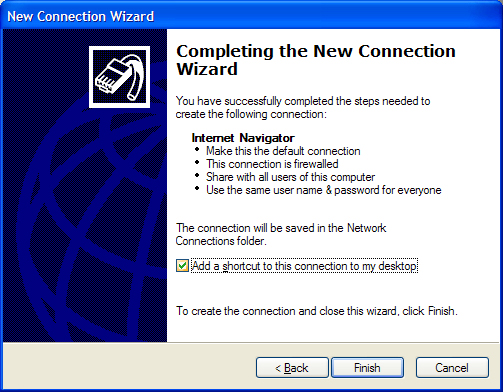



Windows XP Setup
- From the Windows™ Desktop, click on the Start button and go to Control
Panel
- If the Control Panel opens in Category view, click on the “Switch
to Classic View” link on the left-hand side of the page.
- Double-click on the Internet Options Control Panel icon.
- In the window that opens, click on the Connections tab.
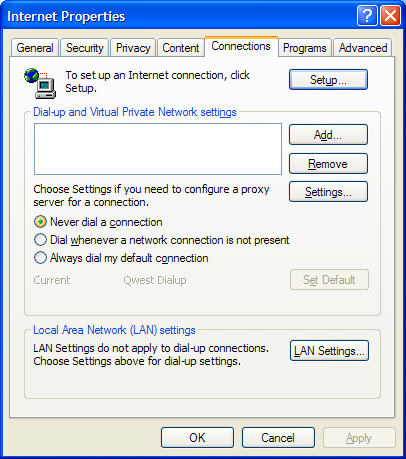
- Click on the Setup button near the top of the window to launch the Internet
Connection Wizard:
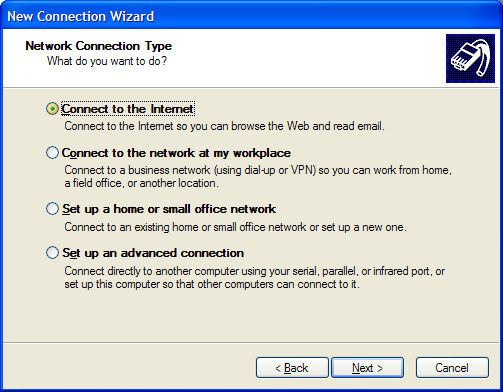
- Click on the button labeled Next to move to the next screen. There place
a dot next to “Connect to the Internet” then click Next.
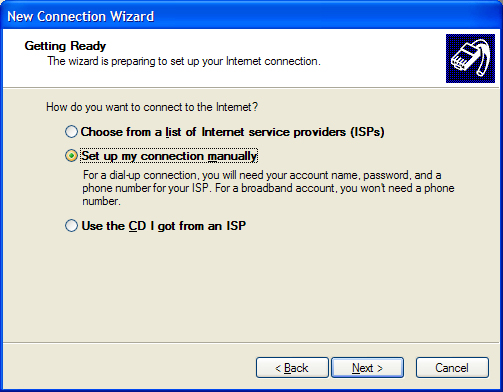
- Place a dot next to “Set up my connection manually” and click
Next.
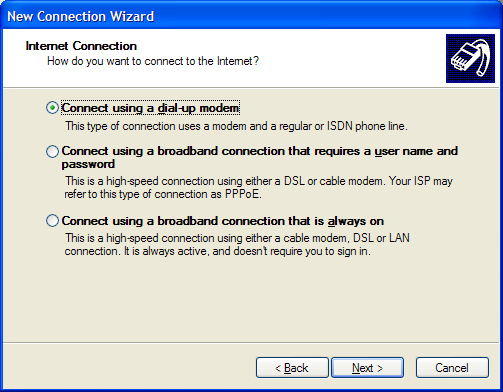
- There should already be a dot next to “Connect using a dial-up modem”
so click Next to continue.
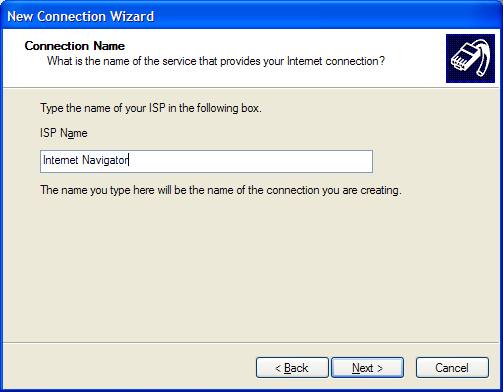
- The following page will ask for the name of your Internet Provider, enter
“Internet Navigator” then click Next to continue.
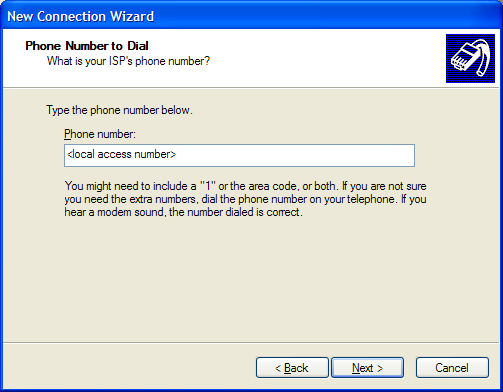
- Enter your local access number in the space provided, then click Next.
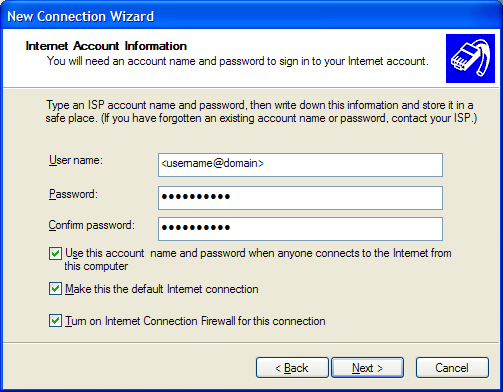
- Enter your username and password in the spaces provided, then click Next.
- Place a checkmark next to the option to add a shortcut to the desktop, then
click the Finish button.